
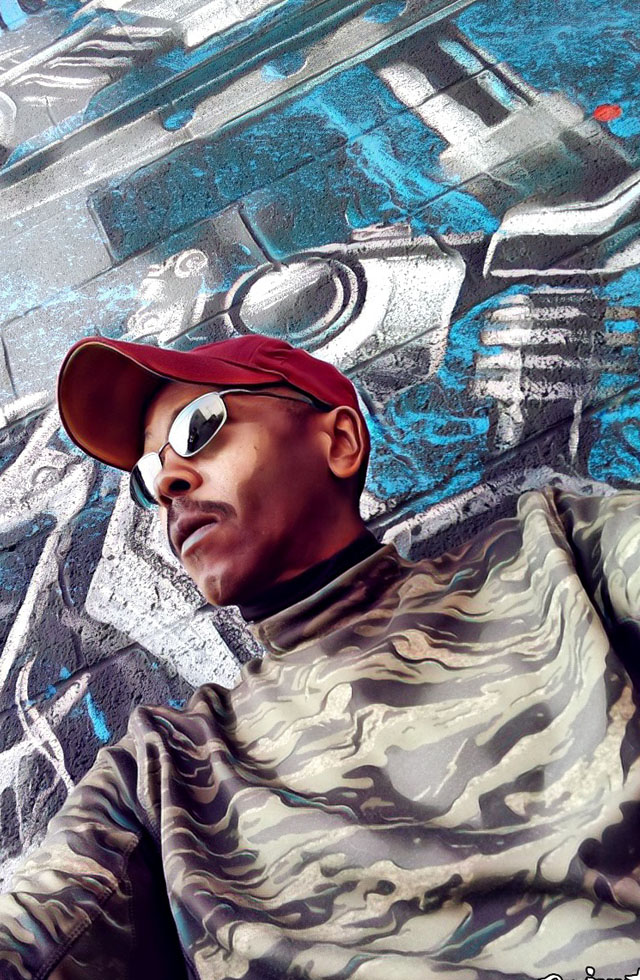
Download background images from the 12 albums in one year (made in Detroit) for Android and iPhone.
Long press desired image, then select download and save to phone, or similar option… and enjoy 😉
Click image or link to hear the albums below 🙂



How to change your wallpaper on Android
- Step 1 of 6. On the Home screen, touch and hold an empty space.
- Step 2 of 6. Tap Wallpapers.
- Step 3 of 6. Select a category to find wallpaper options. …
- Step 4 of 6. Select an image.
- Step 5 of 6. Tap Set Wallpaper.
- Step 6 of 6. Choose where you want to see this wallpaper.
 English
 Arabic
 Chinese (Simplified)
 Dutch
Dutch French
 German
 Greek
Greek Hebrew
 Italian
 Japanese
 Korean
 Norwegian
 Portuguese
 Russian
 Spanish
 Thai
Thai